Every UK vehicle’s basic details are public. You can see them in seconds by entering the registration number.
What you can see
- Make, model and colour.
- Fuel type, engine size and CO₂ emissions.
- Year of manufacture and date of first registration.
- Tax status and due date, and MOT status and expiry.
- Whether it’s marked as exported or scrapped.
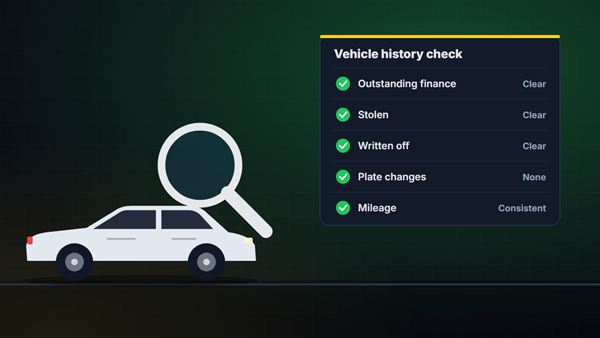
Enter any registration in our number plate check or free car check.
What you can’t see
Keeper names and addresses aren’t public. The DVLA only releases them to people with “reasonable cause”, such as parking companies or the police, through a formal request.
Why check vehicle details?
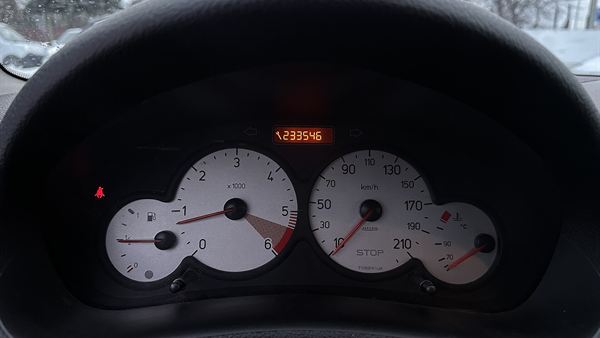
- To make sure a car for sale matches its advert.
- To check a car’s tax and MOT before buying it.
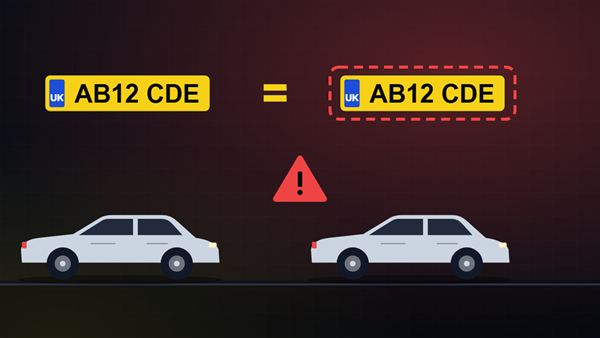
- To spot a cloned car, where the details on record don’t match the car.
- To check your own car’s MOT and tax dates.
Frequently asked questions
Can I find out who owns a car from the registration?
No. Keeper details are protected and only released by the DVLA to people with a legal reason.
Is checking vehicle details free?
Yes. Basic vehicle details, tax and MOT information are free to check.
Can I check a vehicle’s details with a private plate?
Yes. Enter the plate currently on the vehicle.